
If you’re developing with SharePoint using Windows Server 2008 (will work with Windows 7, unless someone’s restricted the Windows Features that are installed) and are unable to open a library via Windows Explorer, follow the simple steps outlined below to enable it.

For example, clicking the Open with Explorer library ribbon menu item, can fail and show the Your client does not support opening this list with Windows Explorer. message.
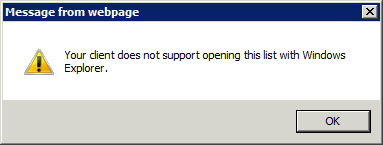
The enable this functionality, the simplest way is to enable the Desktop Experience feature.
Continue reading
