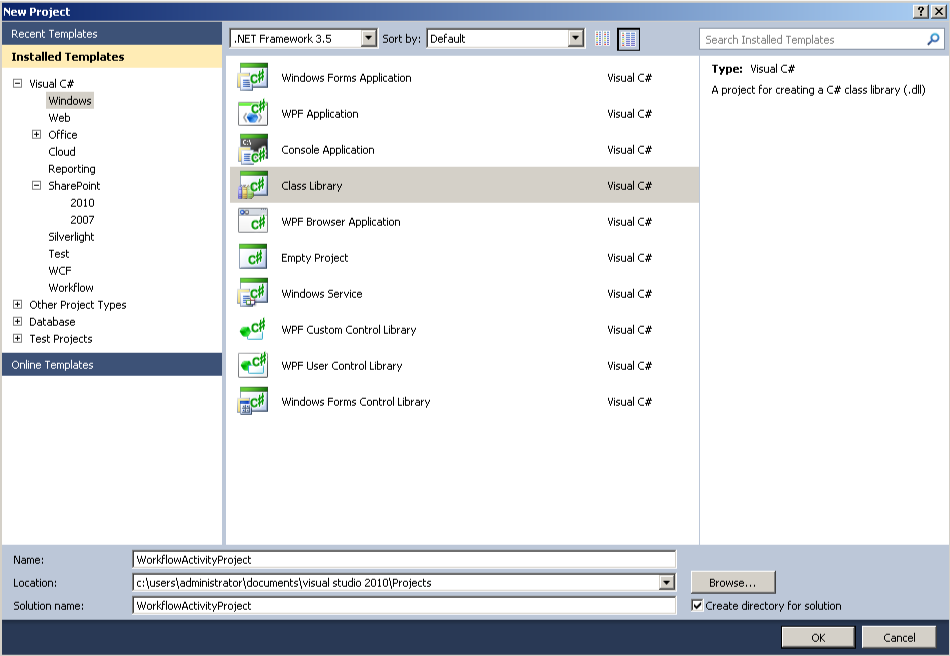
A couple of years ago I wrote a CAML helper project and uploaded the source code to CodePlex.
Recently I updated the code with a few small bug fixes, after some feedback from a colleague who used it successfully on a large scale Portal project.
As a result, I thought I’d write a short post to let those who weren’t aware of the code that it was there.
To view the C# source for the tool, or download the latest assembly, please follow this link.
To create CAML queries with the assembly, work with the CAMLManager class to build your query.
CAMLManager mgr = new CAMLManager();

mgr.QueryGroups.Add(new QueryGroup("Title", Types.FieldTypes.Text, Types.QueryTypes.Eq, "A Title"));
mgr.QueryGroups.Add(new QueryGroup(Types.JoinTypes.Or, "Title", Types.FieldTypes.Text, Types.QueryTypes.Eq, "Another Title"));

string caml = mgr.GetCAML(); |
CAMLManager mgr = new CAMLManager();
mgr.QueryGroups.Add(new QueryGroup("Title", Types.FieldTypes.Text, Types.QueryTypes.Eq, "A Title"));
mgr.QueryGroups.Add(new QueryGroup(Types.JoinTypes.Or, "Title", Types.FieldTypes.Text, Types.QueryTypes.Eq, "Another Title"));
string caml = mgr.GetCAML();
The GetCAML method will return the following string:
<where>
  <or>
    <eq>
      <fieldref Name="Title"></fieldref>
      <value Type="Text">A Title</value>
    </eq>
    <eq>
      <fieldref Name="Title"></fieldref>
      <value Type="Text">Another Title</value>
    </eq>
  </or>
</where> |
<where>
<or>
<eq>
<fieldref Name="Title"></fieldref>
<value Type="Text">A Title</value>
</eq>
<eq>
<fieldref Name="Title"></fieldref>
<value Type="Text">Another Title</value>
</eq>
</or>
</where>
Continue reading →